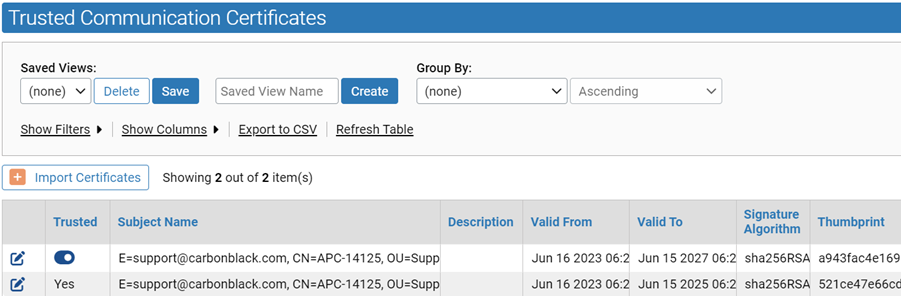
View the Trusted Communication Certificates Table
You can modify column settings, apply filters, and save views of trusted communication certificates.
- On the console menu, click the Settings (gear) icon and click System Configuration.
- Click the Security tab.
- You can click on Show Filter or Show Columns to open the Filters and Column Settings interface, which lets you further customize your view of the table.
- You can save views to limit the table to certificates matching certain characteristics.
- You can enable or disable certificate trust for individual certificates.