Logging Out
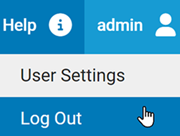
On every page of the console, a log out command is available on the user name menu in the upper right banner area of the web page. Logging out ends your console session.
-
In the user name menu at the top
right corner of console menu, choose Log Out (with the
default login, this menu will show as “Admin”).
-
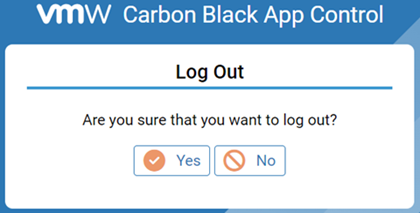
Respond to the confirmation prompt.