
Details Pages and Object Previews
In many console tables, you can get more details about the item in a row by clicking a View Details button or (if it is highlighted in blue) clicking the name of an object in the table.
Details pages include:
- File Details pages
- Computer Details pages
- Publisher Details pages
- Certificate Details pages
- Device Details pages
- External Notification Details pages
- Indicator Set Details pages
- Approval Request Details pages
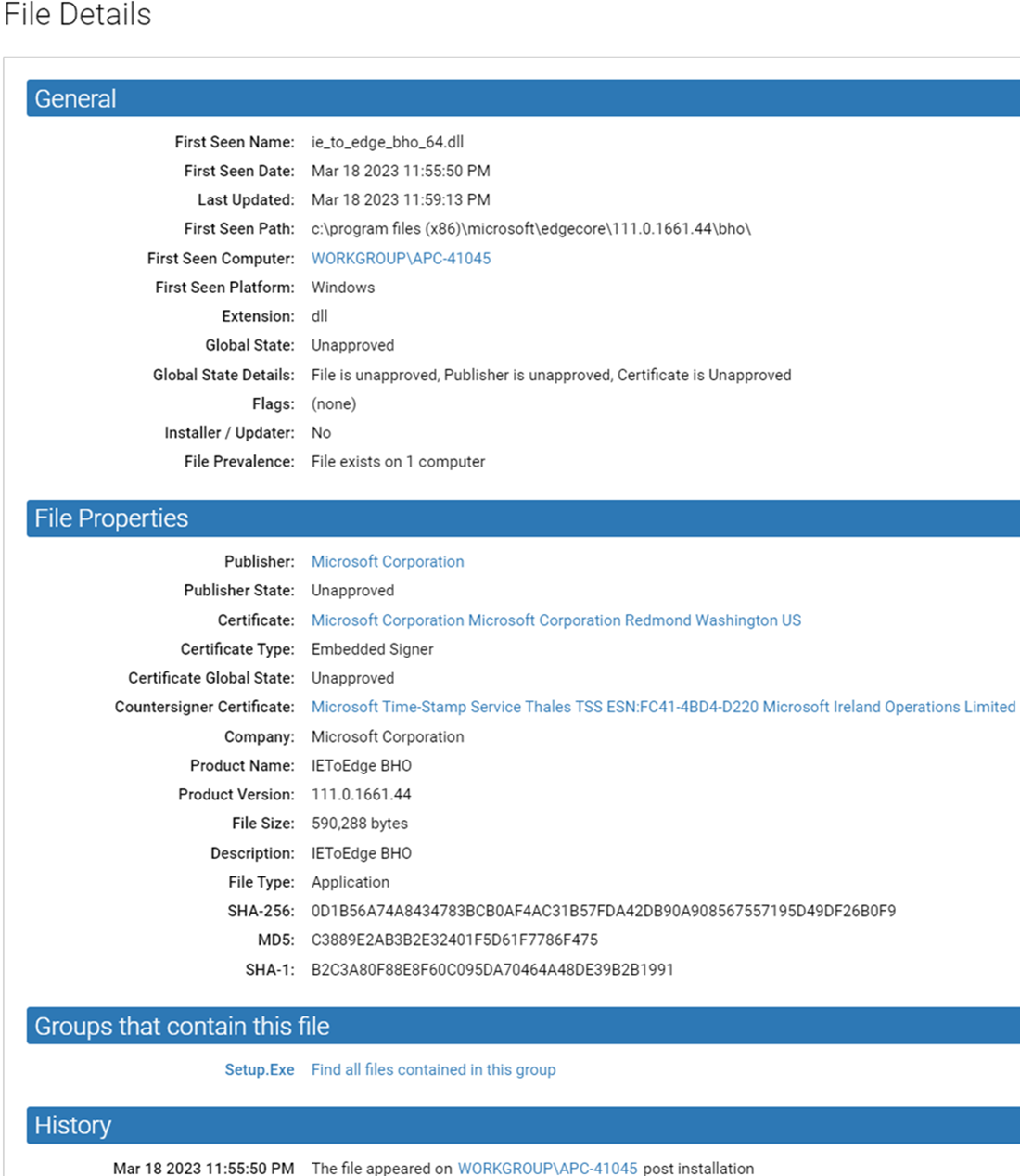
For example, clicking the  details button next to a file name in the Files Catalog brings you to a File
Details page, which shows more information about the file. See File,
Publisher, and Application Information for more on the file details available in
the console.
details button next to a file name in the Files Catalog brings you to a File
Details page, which shows more information about the file. See File,
Publisher, and Application Information for more on the file details available in
the console.
Note: Double-clicking a table row
for objects with details pages, including the Files, Software Rules and Approval Requests
tables, has the same effect as clicking the View Details button – that is, it opens the
details page for that row.