
Display the Drift by Files for a Single Computer
You can get a report of drift by files on a single computer. This can be useful in a number of situations; for example, it can help you locate a computer that has significantly more drift than others so that you can take remediation steps.
- On the console menu, click Reports > Baseline Drift.
- On the Baseline Drift page, click the name of the report you want to see in the Manage Baseline Drift Reports table.
- If the Computer View mode is not displayed, click the Computers button in the View Mode box.
-
Click the View Details button next to the name of the
computer for which you want to see a files report. A report showing only the
drifted files on that computer appears.
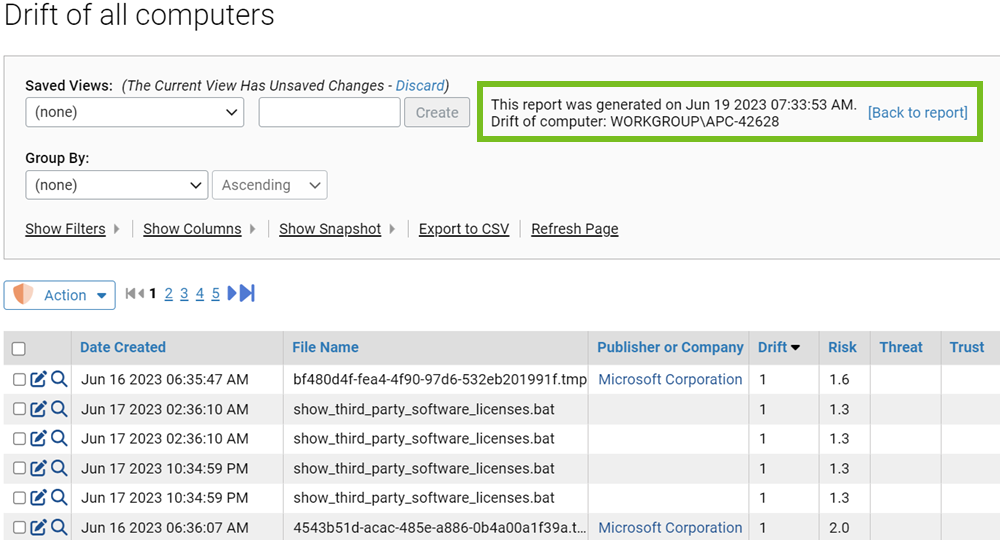
- To return to the top-level Computer view from the Computer Drift Details view, click [Back to report].