
Create a Dashboard
To create a new dashboard, perform the following procedure.
-
Open the Edit Dashboard page
using one of the following methods:
- On the console menu, click Reports and then click Dashboards. On the Dashboards page, click the Add Dashboard button.
- On any dashboard, click the
Create New Dashboard
 button.
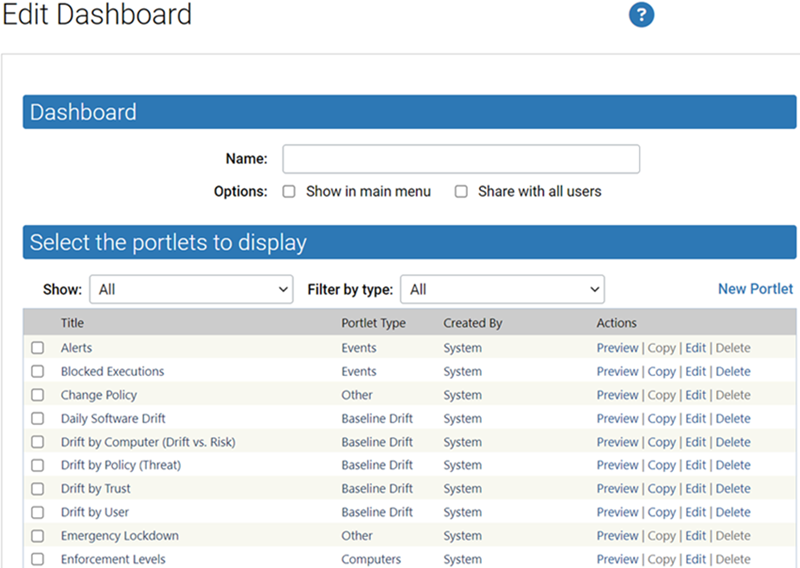
- In the Name text box, enter the name for the new dashboard. This name displays in the upper left of the dashboard, and also displays on the list of dashboards on the Dashboards page.
-
To add this dashboard to the
Dashboards section of the console menu:
- To allow other users to use this dashboard, select the Share with all users check box.
-
Select the checkbox box to the
left of each portlet to add to this dashboard. Use the page buttons at the
bottom of the portlet list or the filters at the top of the list to view all
available portlets. To create a new portlet, see Creating and Customizing Portlets.
Tip: To see the portlet before adding it to the dashboard, click Preview to the right of the portlet name.
- Click Save.