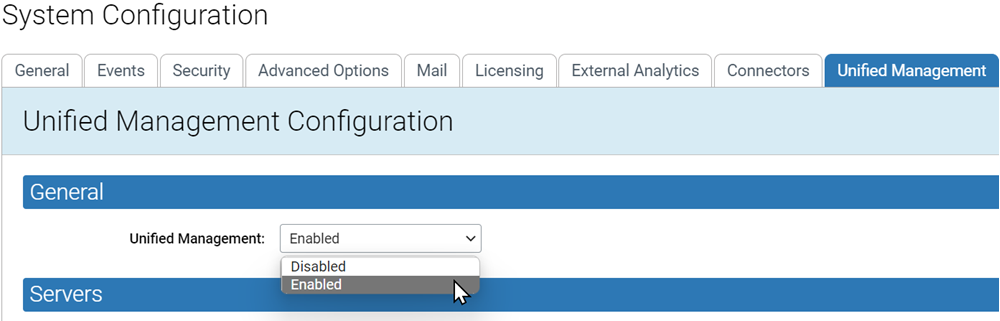
Enable Unified Management
To enable Unified Management on a server, perform the following procedure.
- Login to the console for this server with an account that has the Administrator (Unified Management) user role enabled. The default “admin” account has this role enabled.
- On the console menu bar, click the Settings (gear) icon, click System Configuration, and click the Unified Management tab.
- Click the Edit button at the bottom of the page.
-
In the Unified
Management field, select Enabled, and
then click Update at the bottom of the page.